
A six-person team at Miro spent a year onboarding AI to their design system the same way they would onboard a new hire. The result is Aura: a stack of documentation, metadata, an MCP server and Claude Code skills that serves 48+ product teams. This is the playbook Andressa Lombardo and Eddie Machado shared on stage at the AI Conference for Designers 2026.
TL;DR
- Miro treats AI as a new team member, not a tool, and built Aura as the AI practice on top of their design system
- The biggest unlock was not a model, it was metadata: visual descriptions, use cases and explicit "do not use" rules on icons and tokens
- A simple MCP server with two tools (
list components,get component docs) plus a routing instruction in the team's root Claude file dropped Slack support questions by 70 to 80% - Specialized lookups (search icons, search tokens) ship as Claude Code skills first, not MCP tools, because skills are faster to build and cheaper to run (one of Miro's skills went from 33,000 tokens to 410 tokens, a 98% reduction)
- A
wrap-upskill turned PR creation into a checklist Aura runs, and on her first bug-bash day she shipped 17 PRs in an hour - High MCP adoption breaks your old dashboards, so measure the support questions you no longer have to answer instead
Who built Miro's AI-enabled design system?
The team is six people serving 48+ product teams at Miro: design systems lead Andressa Lombardo, design engineer Eddie Machado, one engineering manager and three engineers. Andressa describes the team as "small but mighty". Their work is documented through Aura, the internal name for Miro's AI design system practice.
What started Miro's AI design system project?
On Andressa's first day at Miro, leadership was on offsite in Berlin asking a single question: could they just point AI at a brand guideline document and have it auto-generate a design system inside the product? Miro was launching a feature that let customers upload brand guidelines and prototype directly inside Miro, and the strategic risk was clear.
As Eddie put it on stage:
"If we didn't figure out how to make AI work within our system, somebody else was going to do it without us."
That framing turned a vague AI initiative into a concrete project with a deadline.
Why does Miro treat AI like a new hire instead of a tool?
The core reframe Andressa and Eddie keep coming back to: AI is a new team member that needs to be onboarded. So they named the practice Aura and gave her a personality profile.
Aura is extremely enthusiastic, very capable and extremely literal. She tries anything you throw at her, but she knows nothing about Miro's conventions and has zero tolerance for ambiguity. Working with her, Eddie said, feels like working with any new joiner asking "where's this library?", "how come we don't have this variant?" or "where can I find this?".
Treating AI as a new hire shifted what their team prioritized: not building flashy features, but writing the onboarding material a new joiner (human or machine) would need.
What are Miro's three principles for onboarding AI to a design system?
Before writing any new documentation, Andressa and Eddie asked: if we were to start over, how would we onboard people, humans or machines, more efficiently? Three principles came out of that exercise.
| # | Principle | What it means for documentation |
|---|---|---|
| 1 | Show, don't tell | Explain to new joiners and show them, including why not |
| 2 | Be consistent | Rules must not waffle, AI cannot infer the rule from contradictory examples |
| 3 | Give room to experiment | Best learnings come from trying, messing up and self-correcting, give Aura the same space |
These three rules became the lens for every documentation change that followed.
Why do AI agents hallucinate inside design systems?
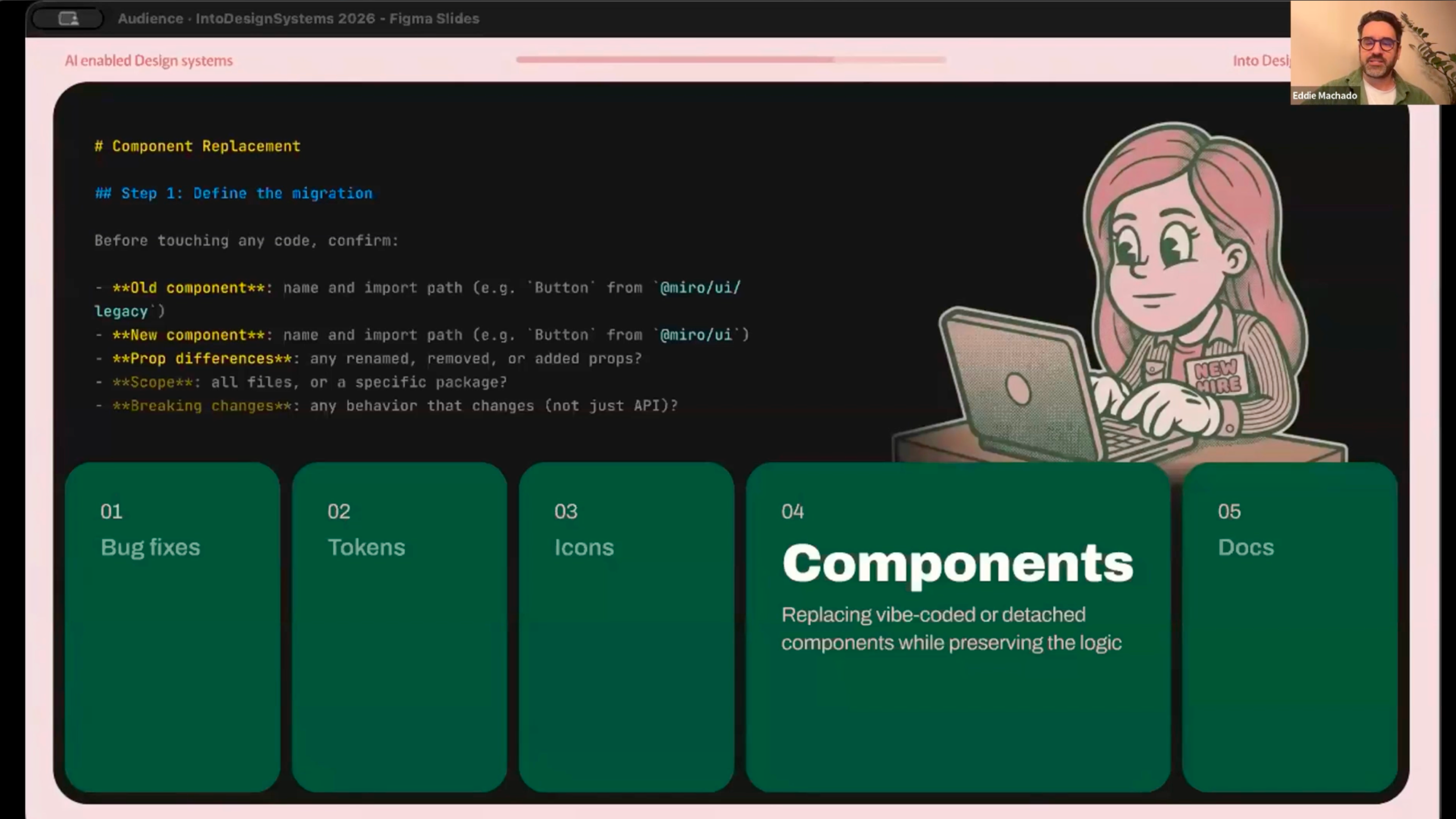
To test Aura, Andressa and Eddie gave her a simple task: build a toolbar with four common actions and an overflow menu, using only elements from the Miro design system.
She did it confidently. As Eddie put it:
"She was not randomly wrong, she was confidently wrong."
The icons for text style, text adjustment and highlighting were all incorrect. The root cause was naming. The icon that visually shows "two A's next to each other, one capital and one cursive" was named in their library as if it were for text styles, but it was actually for font styles (serif, sans serif). The icon Miro uses for text styles is named after its visual form: bold-italic-underlined.
Andressa noted this naming structure was inherited, which is probably the case for a lot of design system teams.
She also picked a deprecated background token because they had recently replaced it and she had no way to know.
The hallucinations were not a model problem. They were a context problem.
How Miro fixed icon and token hallucinations with better metadata
Refactoring the icon and token architecture would have been a multi-month job, so the team expanded the metadata instead.
For every icon, they added three fields:
- Visual description — what the icon looks like
- Use case — when to use it
- Category — where it lives in the system
The new description for the font style icon reads:
"Represents font style like serif or sans serif. Do not use to represent text style like bold, italic, underline."
They re-ran the toolbar prompt and Aura got the icons right.
They did the same exercise for tokens, making intent and limits explicit in the description:
"Background for toolbars, panels and dropdowns. Do not use for cards or flat content. Use background-surface instead."
Re-ran the prompt, correct output.
Eddie summed it up:
"It wasn't Aura that was struggling. It was actually the fact that we didn't provide her enough context to get the job done."
The pattern for any AI-ready design system: write descriptions that include the do-not-use rules and the alternative tokens, not just the happy path.
The under-the-hood work that actually makes AI useful
Andressa called this "the less glamorous side of design systems, equally important, but not as fancy as all the great things that we can generate with AI."
Every two weeks Miro runs a show-and-tell across teams. While other teams shipped flashy AI features (sidekicks, flows), Andressa and Eddie's team were auditing documentation, writing icon descriptions, adding component best practices and filling in metadata. As Andressa put it, the work was "really important under the hood, but it wasn't fancy and doesn't make your senior leadership eyes sparkle."
Andressa shared on stage that she was told by senior leadership there was no value in what they were doing, that nobody reads documentation, and that if this was the best her team could do they could be rated four out of ten on impact.
They kept going because they knew the MCP only works on top of what Aura can read, and what Aura can read is only as good as what someone wrote.
Andressa's lesson:
"Prove the concept first. Explain it second."
How Miro built a design system MCP server
Once the documentation foundation was in place, Eddie built Miro's design system MCP server with two simple tools:
| Tool | What it returns |
|---|---|
list components | The list of components in the design system |
get component docs | The documentation file for a given component |
Eddie's reasoning: start simple, see how that works, then add more. Most teams over-engineer the MCP before they know what designers and engineers actually need from it.
The Claude file routing fix
Eddie pointed out a problem most teams hit: if your IDE has a stack of MCPs loaded, asking AI to figure out which one to call is frustrating. So Miro added an explicit instruction to the team's root Claude file telling Aura to use the design system MCP directly.
The impact of that one routing tweak: support questions in the design system Slack channel dropped by 70 to 80%, because engineers were getting answers in their IDE instead of pinging the channel with simple questions.
Where the MCP hit limits
When Aura needed to find specific icons or tokens, she would end up in loops. The reason: Miro's internal documentation site rendered library links in React, not Markdown, so AI could not follow them. She would either scan the codebase randomly until something matched, or hallucinate her way to an answer.
This is the failure mode for most design system docs sites today. If your library indexes are client-side rendered, AI agents cannot crawl them.
Why Miro builds tools as Claude Code skills first, not MCP tools
When the MCP hit its limits on icon and token lookup, the team built two more tools: search icons and search tokens. They built them as Claude Code skills, not MCP tools.
Eddie's reasoning on stage:
- Skills are way more accessible and simple to create than MCP tools
- Use Claude's built-in skill creator skill to spin up a skill in minutes
- Iterate, then use Claude's
/simplifycommand to compress and optimize
The numbers Eddie shared: he got the icon search skill from 33,000 tokens down to around 410 tokens. That is a 98% reduction.
His framing was sharp: "look at this, that's 98% fewer tokens scaled across the company." That is the kind of metric leadership understands.
Eddie's recommendation for design system teams: build it as a skill first, you can always port it to MCP later.
| Pattern | When to use it |
|---|---|
| MCP tool | Stable, system-wide capability needed across many agents and IDEs |
| Claude Code skill | Specific, iteratable workflow, fastest path to first value |
How AI agents contribute back to the design system
Once Aura could read the system reliably, the team turned her into a contributor.
Eddie wrote a wrap-up skill that:
- Runs the linter
- Walks through the team's checklists for code quality, accessibility and localisation
- Adds a line per commit describing what changed
- Structures the PR from a template
As Eddie put it, "creating a PR sucks, so the skill does it for you." It standardizes contributions and removes friction. In his words: "we see people more eager to contribute because there's less of a restriction now."
The team also set up a Jira workflow. They tag a ticket with "Aura ready". Aura scans the ticket, picks it up, reads the description, does the work, uses the wrap-up skill and submits the PR.
On her first bug-bash day, Eddie said, Aura created 17 PRs in an hour.
Other experiments running on the same foundation:
- A script to rename and replace tokens across the codebase (manual: months, scripted: minutes)
- The same script approach for icons
- Component generation from a "recipe" extracted from existing components (analyse, document the pattern, extract the recipe, generate from it)
- A wrap-up-style script that, when a component changes, finds the related documentation file and updates it automatically
Andressa was direct: she did not want to paint a perfect picture. A lot of this is still trial and error, a lot of it is still in the testing phase. This is the potential the team sees, not the finished state.
Why high MCP adoption breaks your old dashboards
This is the piece every design system lead should hear.
When Andressa and Eddie made the MCP frictionless, they could no longer see the calls people were making to it actively. It just worked in the background. As Andressa explained, this was a direct response to user feedback: people did not want to type "use the design system MCP" every time. Adoption went up, visibility into the call count went down.
In her words: "it sounds like a problem, but it meant it's working."
The lesson: stop measuring AI adoption by MCP call count. Start measuring the support questions you no longer have to answer, the time-to-answer in your design system Slack channel, the volume of contributions from outside the core team.
Andressa's framing:
"Any figure is better than no figure."
Even if it is approximate, qualitative or just testimonials from engineers, designers and product managers, build the case from what you have.
The line that summed up the whole talk
"You don't need a perfect system. You need a system that is legible enough to teach." Andressa Lombardo, Miro
That single sentence is the entire playbook. The work is not glamorous. It is metadata, documentation and getting the implicit knowledge out of your team's heads and into files that both humans and machines can read.
Key takeaways for design system teams
If you run a design system and want to make it AI-ready, here are the moves from Miro's playbook you can copy this week:
- Treat documentation gaps the way you treat onboarding gaps, AI is your newest team member
- Add do-not-use guidance directly to token and icon descriptions, not just the intended use
- Start with a Claude Code skill before considering an MCP tool, then compress it with
/simplify - Build a
wrap-upflow for any contribution path you control to standardize PRs - Stop measuring AI adoption by MCP call count, measure the support questions you no longer have to answer
- Render documentation links in Markdown, not React, so AI agents can actually crawl your library
- Prove the concept first, explain it second, do not wait for senior leadership to bless the unglamorous work
Frequently asked questions
What is an AI-enabled design system?
An AI-enabled design system is a design system structured so AI agents can read, query and contribute to it reliably. It combines machine-readable documentation, an MCP server or skills that expose components, tokens and icons, and metadata rich enough that AI agents do not hallucinate when generating UI.
What is Aura at Miro?
Aura is the internal name for Miro's AI design system practice. It is not a single tool or one agent, but the full stack of integration scripts, documentation, MCP tooling and Claude Code skills the design system team built over a year.
What is MCP and why does it matter for design systems?
MCP stands for Model Context Protocol. It is a standard for connecting AI agents to external tools and data sources. For design systems, MCP lets AI agents query components, tokens and documentation directly instead of guessing from training data.
When should I build a Claude Code skill vs an MCP tool?
Build a Claude Code skill first when you need a specific workflow fast, when you want to iterate quickly, or when the tool is tied to your local environment. Build an MCP tool when the capability needs to be stable, shared across many agents and IDEs, and worth the longer build cycle.
How long did Miro's AI design system project take?
Miro's six-person team worked on Aura for roughly a year, with a lot of that time spent on unglamorous documentation work before they built the MCP server, skills and contribution workflows.
What dropped Miro's design system Slack support questions by 70 to 80%?
A combination of three things: a working MCP server with list components and get component docs tools, an explicit routing instruction in the team's root Claude file telling Aura to use the design system MCP, and metadata-rich icon and token descriptions so Aura's answers were correct.
How do I measure success of an AI-enabled design system?
Move beyond MCP call counts (which drop when AI works in the background frictionlessly). Measure the volume of support questions in your design system channel, time-to-answer for design system questions, contributions from outside the core team and qualitative testimonials from engineers, designers and PMs.
Related reading on agentic design systems
- What is an Agentic Design System?
- How Spotify makes their design system AI-ready
- Vibe Coding tools for AI design systems
- Claude Code + Figma without MCP
Watch the full Miro session on demand
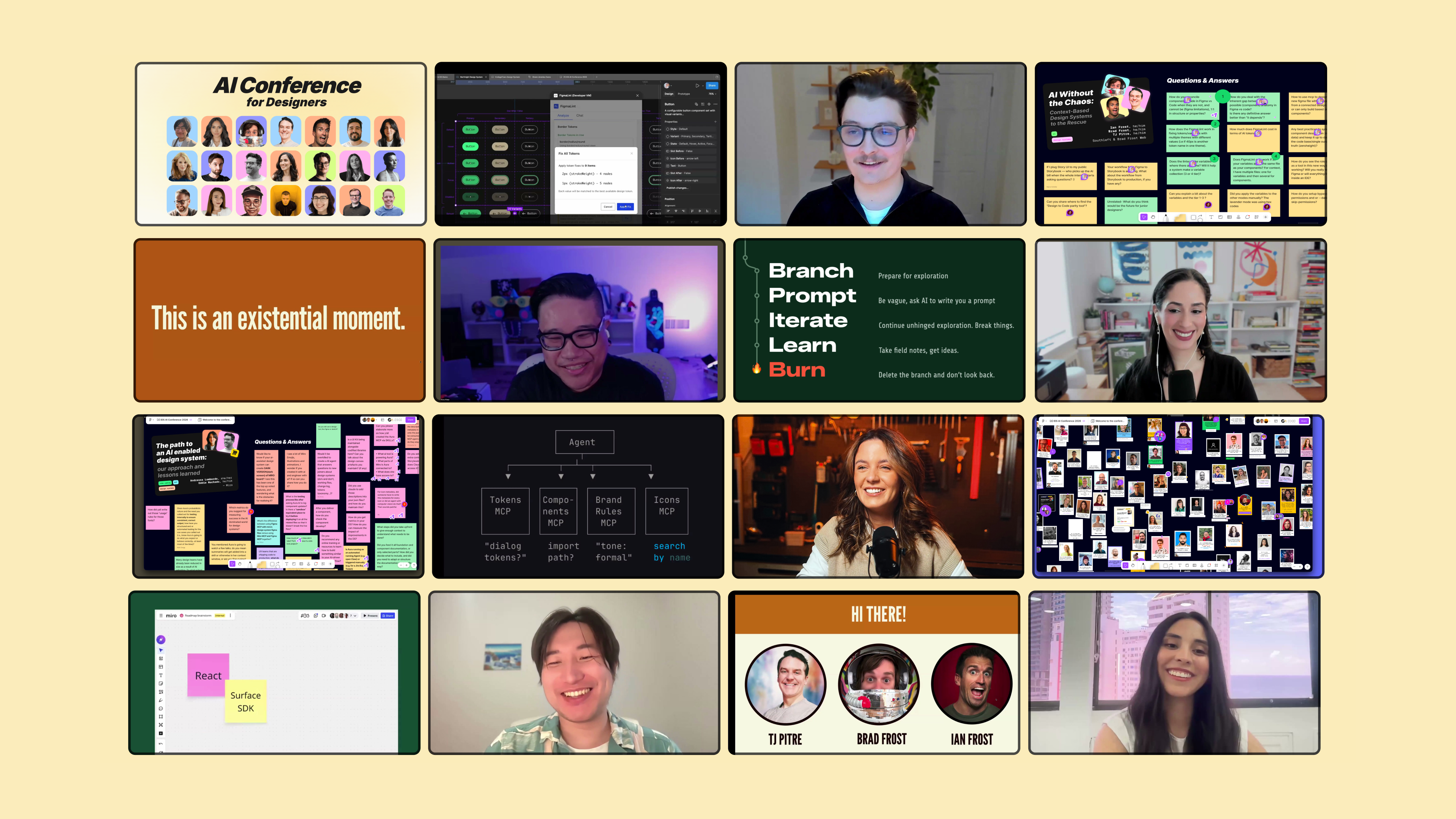
Andressa and Eddie's session is one of 18 from the AI Conference for Designers 2026. The recording includes the full talk, the Aura "performance review" moment at the end and the Q&A on the FigJam board.
Other sessions in the same arc:
→ Machine-Readable Design Systems for MCP and LLMs — Diana Wolosin (Indeed) on structuring docs for AI agents
→ Agentic Design Systems — Romina Kavcic on the Observe-Detect-Suggest-Fix-Learn loop
→ Building Real Design Systems with Agents — Jan Six (GitHub) on Copilot building design systems
→ AI Without the Chaos — Brad Frost, Ian Frost and TJ Pitre on bringing context to AI workflows
📐 AI Conference for Designers 2026 Recordings ✅ 18 sessions, 18+ hours, lifetime access ✅ FigJam board with all Q&A and resources ✅ Certificate to prove your AI skills as a designer 👉 Get the Recordings Pass
About Into Design Systems
Into Design Systems is the leading conference and community for designers learning to build with AI agents. Winner of Best Event and Community Champion at the Design System Awards 2025. Loved by Atlassian and 5,900+ designers and teams at Spotify, Microsoft, Meta, Nike, Netflix, Airbnb, OpenAI and Deloitte.
Written by Sil Bormüller, founder of Into Design Systems.


